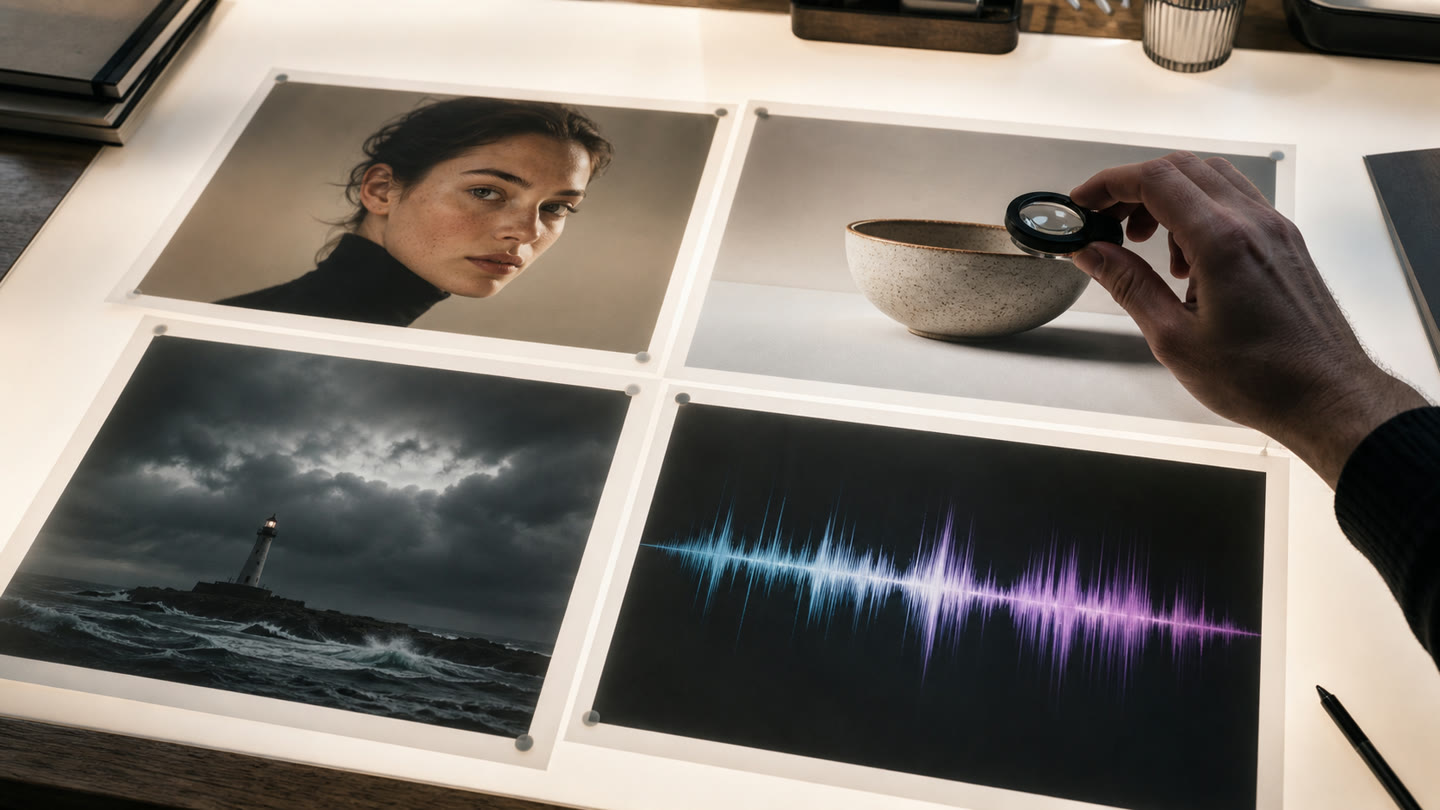
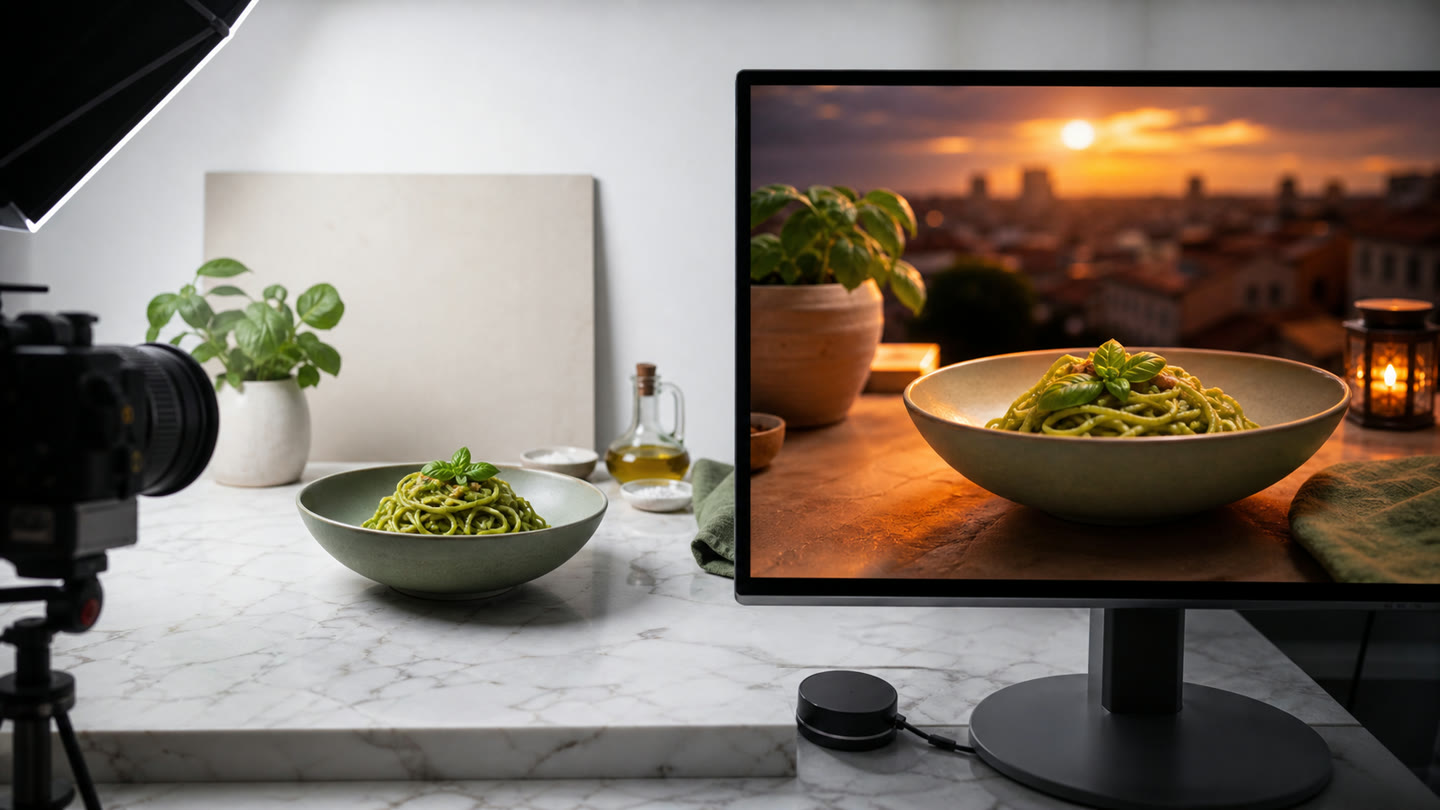
Generation is best when you are exploring. Editing is better when the source already contains something important: a product, a face, a logo, an approved composition, or a video moment that should not be replaced.
Edits stay inside the project
Givon AI keeps editing inside the project. Upload a source asset or pick a generated result, describe the change, and compare variants without moving the file into another tool.
For images, an edit can change background, light, atmosphere, framing or style.
Video editing models
Existing video is editable too.
- SwitchX VideoChanges the background, an object or the light in footage from text and a reference while keeping motion and facial expression. Duration comes from the source; output is 720p or 1080p.
- Seedance 2.5Has an edit mode for a source clip from text and references: 480p to 1080p, 4 to 30 seconds.from7.5 tk/ s
- Gemini Omni 1.1 FlashHas an edit mode for a short clip with sound: from fast 360p drafts to 4K.from28 tk
- Kling 3.0 MotionTransfers movement, dance or gestures from a video sample to a full-body character and keeps the face, for faithful choreography.7 tk/ s
- Kling 2.6 MotionTransfers movement from a video reference to a character at a lower price, for simpler motion.8 tk/ s
- topaz-astraEnhances a finished clip and adds detail and texture while upscaling to 4K; a prompt can steer the restyling.
- topaz-starlight-preciseCarefully improves finished video up to 4K, restoring faces, materials, textures and text without restyling.
- FLUX Video UpscaleEnlarges a clip 1.5x to 3x: precise mode stays faithful to the source, creative mode restores fine detail.48 tk/ s
Edit region
For a targeted fix, open a finished image and press Edit region: brush over the area, describe the result in “What to change” and press Edit. Materials, avatars and products can be added as references. Create variation makes a new version of the same frame from a short description. Both run on ChatGPT Images 2.0, Nano Banana Pro and Seedream 5.0 Pro.
From a source asset to video
Source assets can become references or start frames for video scenes.
Edited outputs remain available as project materials and reusable library assets.
When it is useful
Improve a strong frame
Change the weak part of an image without losing the subject that already works.
Product visuals
Adapt a product shot while preserving shape, package, text, and logo.
Campaign variations
Create seasonal or format-specific versions from one approved source.
Video source workflows
Use edited frames or source clips as material for the next scene.
FAQ
When is editing better than generating from scratch?
When an existing face, product, logo, location, or composition must remain recognizable.
What should an edit prompt include?
Name one main change and list the important details that must stay the same.
Can an edited frame become a video?
Yes. Save the edited result and use it as a start frame, reference, or scene asset.