Givon AI guides
Getting started
 Givon AI
Givon AI guides
From an idea to a reusable result inside one project
Getting started
How to make your first video in Givon AI
A practical route from an empty project to a finished short video: scenes, model choice, voiceover, captions, and export in one editor.

How to choose an AI model for a task
A practical way to choose between image, video, avatar, voice, and editing models based on the job, not the model name.

When to generate and when to upload your own materials
Choose between generating from scratch, uploading exact source material, or combining both paths in one project.
Video and voice

How to make a video with AI
Create a short AI video from a prompt, image, reference, or source asset, then assemble it into a publishable result.

How to turn an image into video
Animate a photo, product frame, character, or generated image by using it as the visual anchor for a video scene.

How to choose an AI video model
Compare video models by task: portraits, native sound, image-to-video, cinematic motion, long scenes, and control.
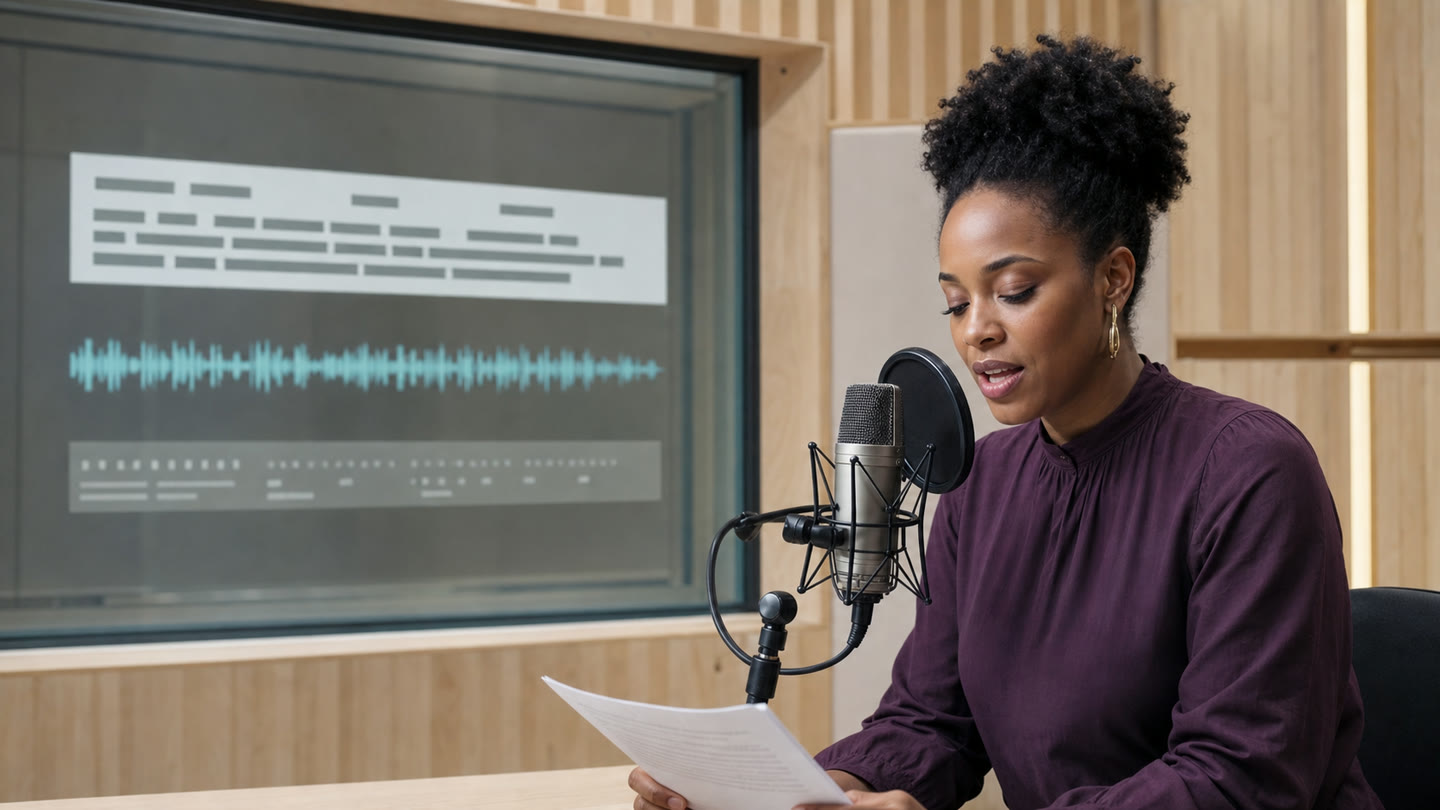
How to add voiceover and captions
Turn text, uploaded audio, or recorded speech into voiceover and readable captions for a short video.
Images

How to animate a photo with AI
Animate a portrait, product shot, illustration, or generated frame while keeping the important details stable.

How to edit a photo with AI
Use text instructions to adjust a photo, product image, portrait, or generated frame while preserving what matters.
Style, references, and characters

How to use Favorites and references
How project materials, Favorites, references, voices, and trash work in Givon AI - and what to save for faster repeatable videos.

How to make videos with references and keep a consistent style
Use images, start frames, end frames, motion references, and saved assets to keep characters, products, and style consistent.

How to create an AI influencer
Build a repeatable AI character, keep their look consistent, create photos and videos, and add voice for short-form content.