Givon AI features
Workflows by task
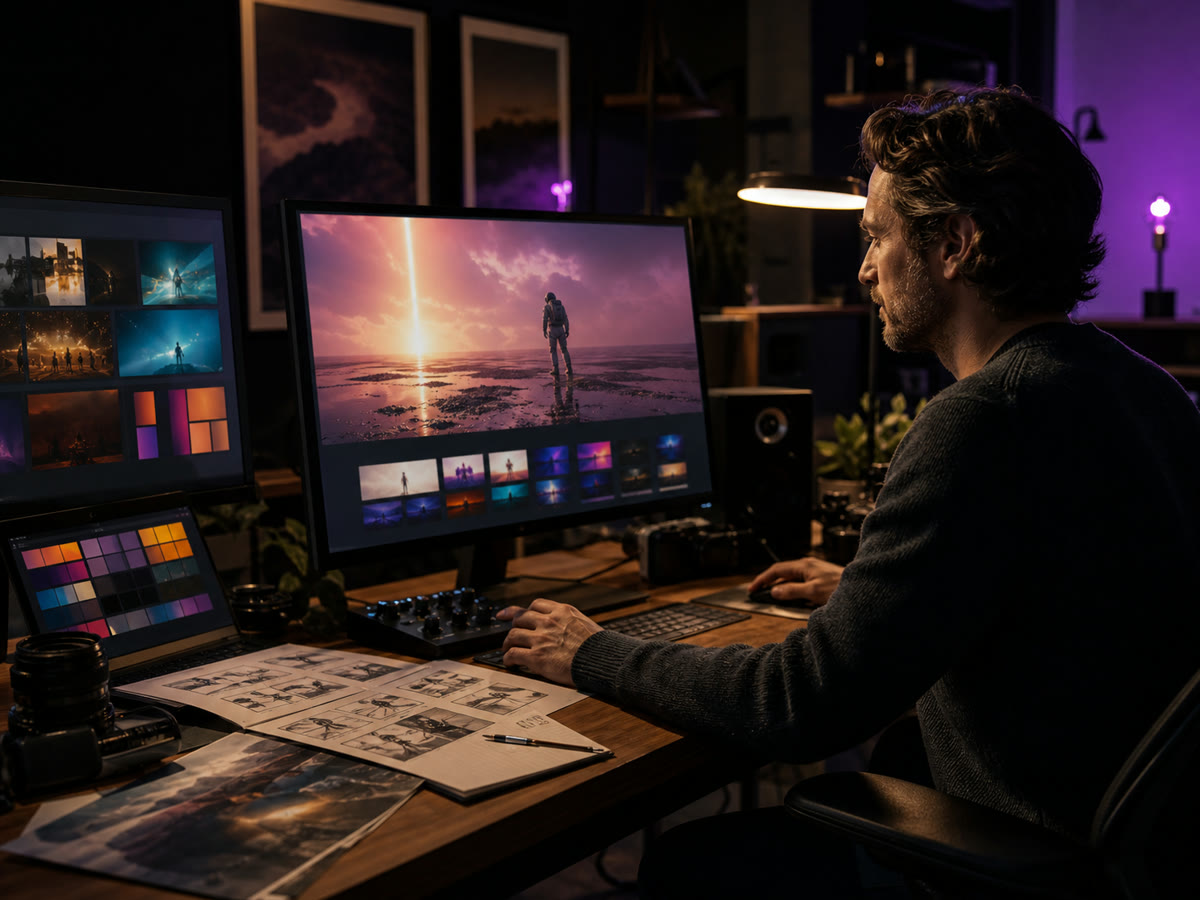 Givon AI
How Givon AI works
Explore the product architecture behind the workspace: scenes, library, references, voiceover, captions, and AI editing.

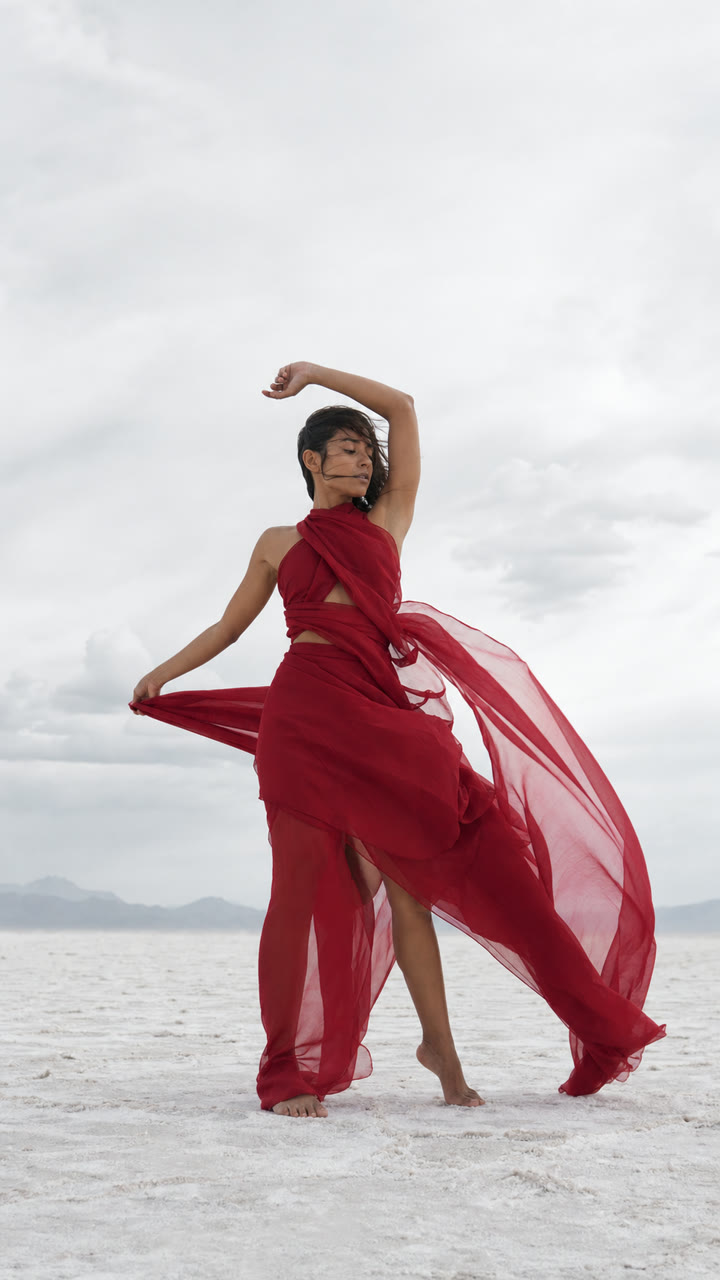
Workflows by task
Choose the workflow that matches the job: generate video, animate an image, create a still, assemble a video, or build an AI character.
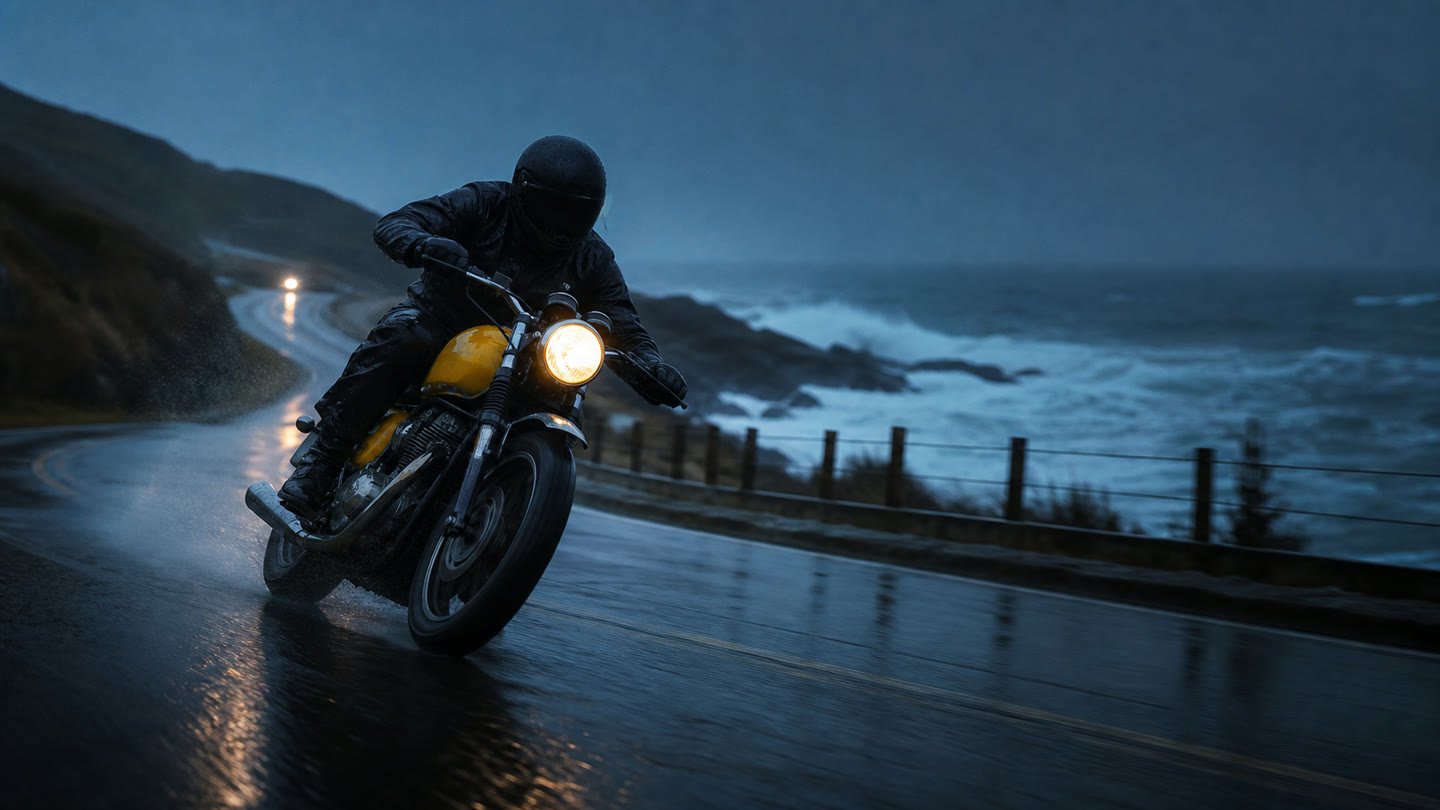
AI video generator
Create short videos from text, images, and references.
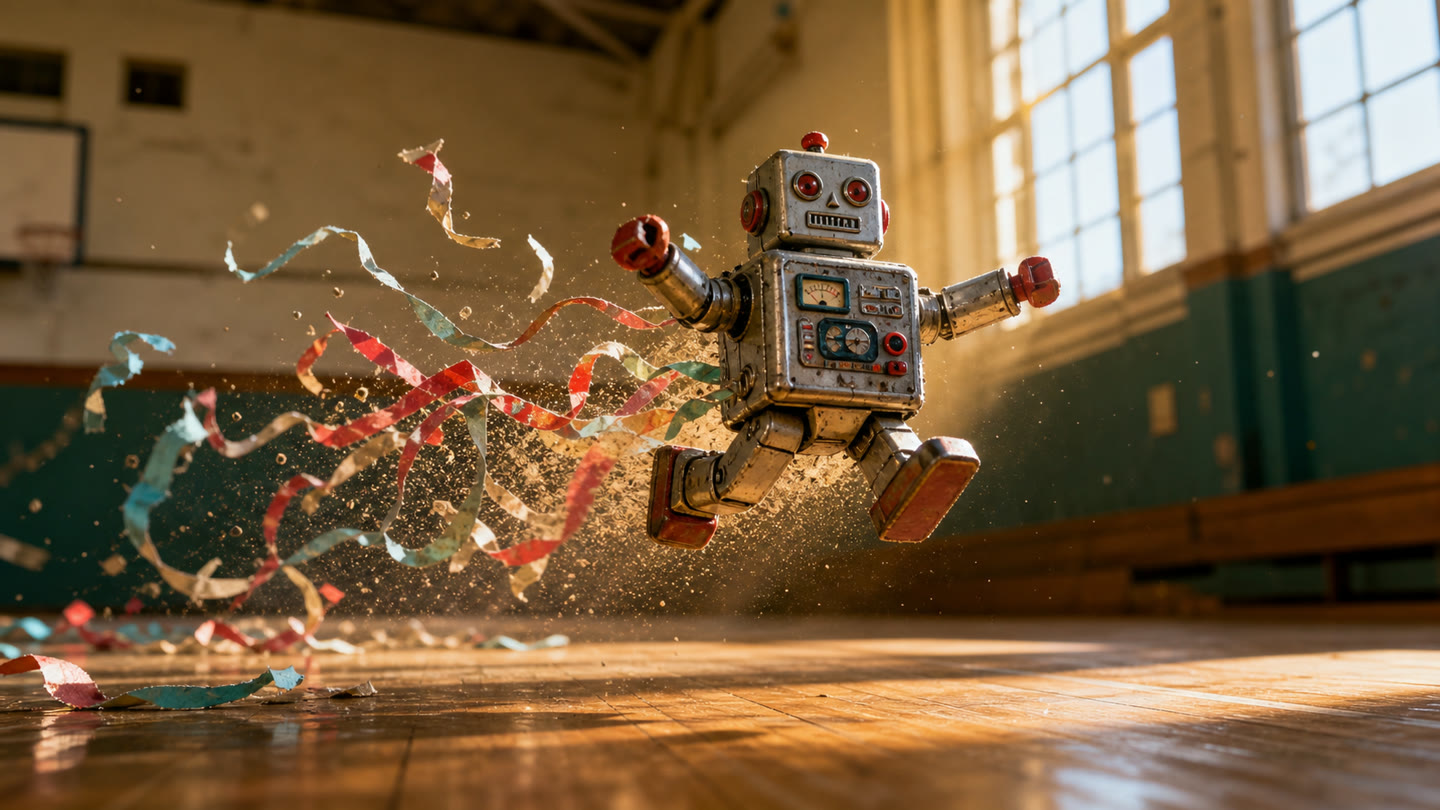
Image to video
Turn a photo, product image, or character into a short AI video.
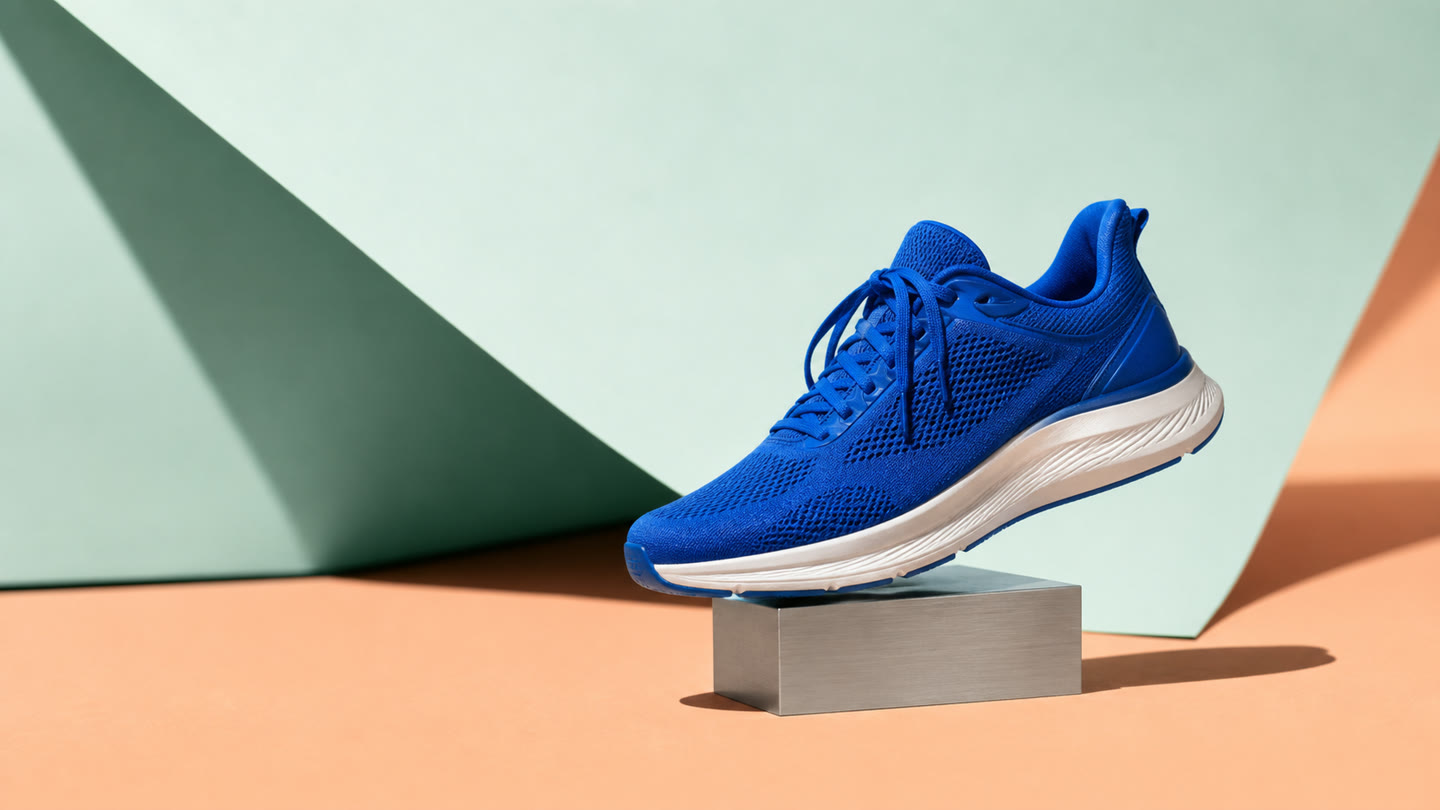
AI photo generator
Create images for ads, products, and social content.
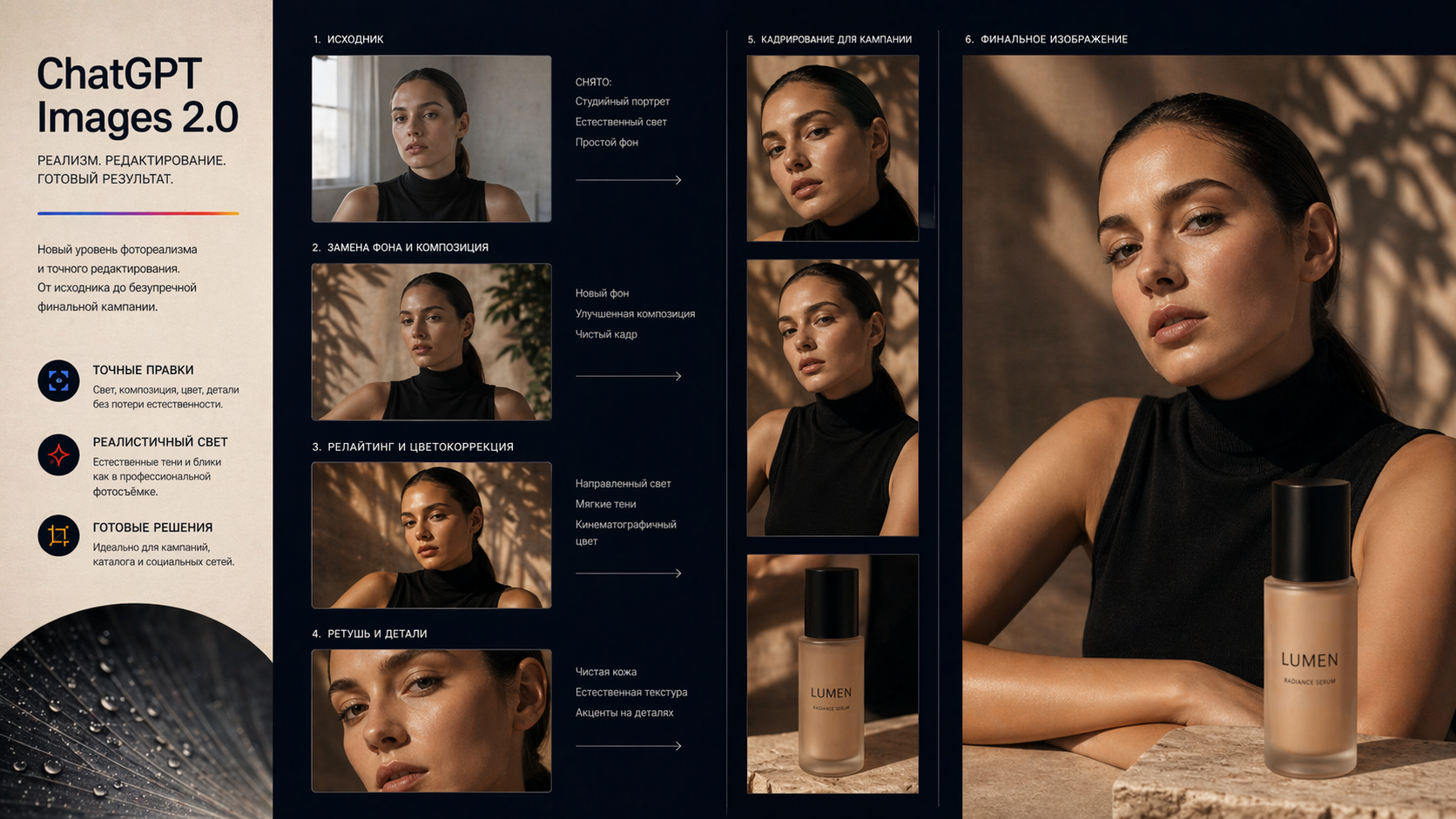
AI image editor
Edit images, product shots, and visual concepts with prompts.

AI video editor
Assemble scenes, references, voiceover, and captions in one project.
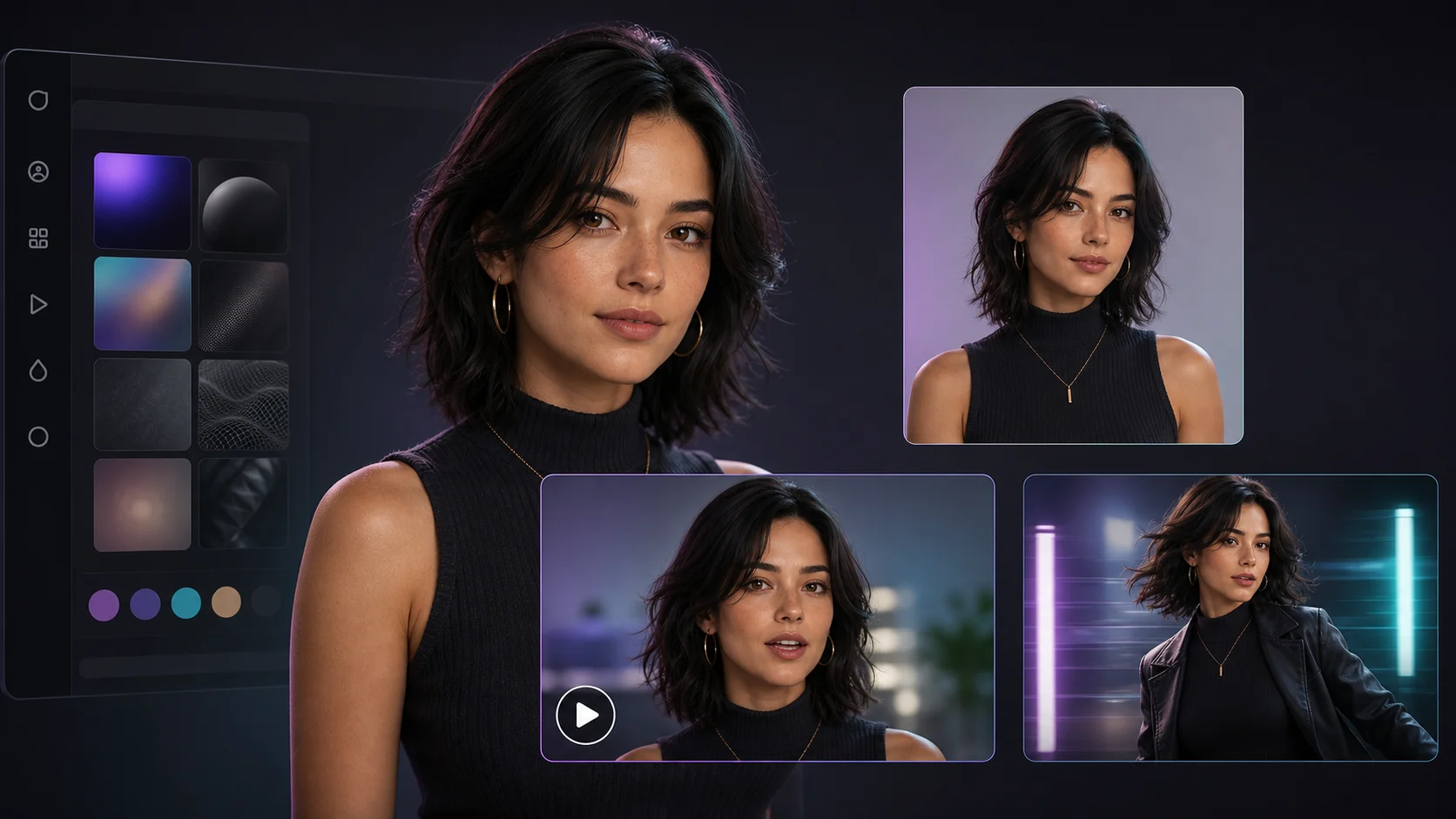
AI avatar
Create a repeatable character for social posts, ads, and Reels.
How Givon AI works
Explore the product architecture behind the workspace: scenes, library, references, voiceover, captions, and AI editing.
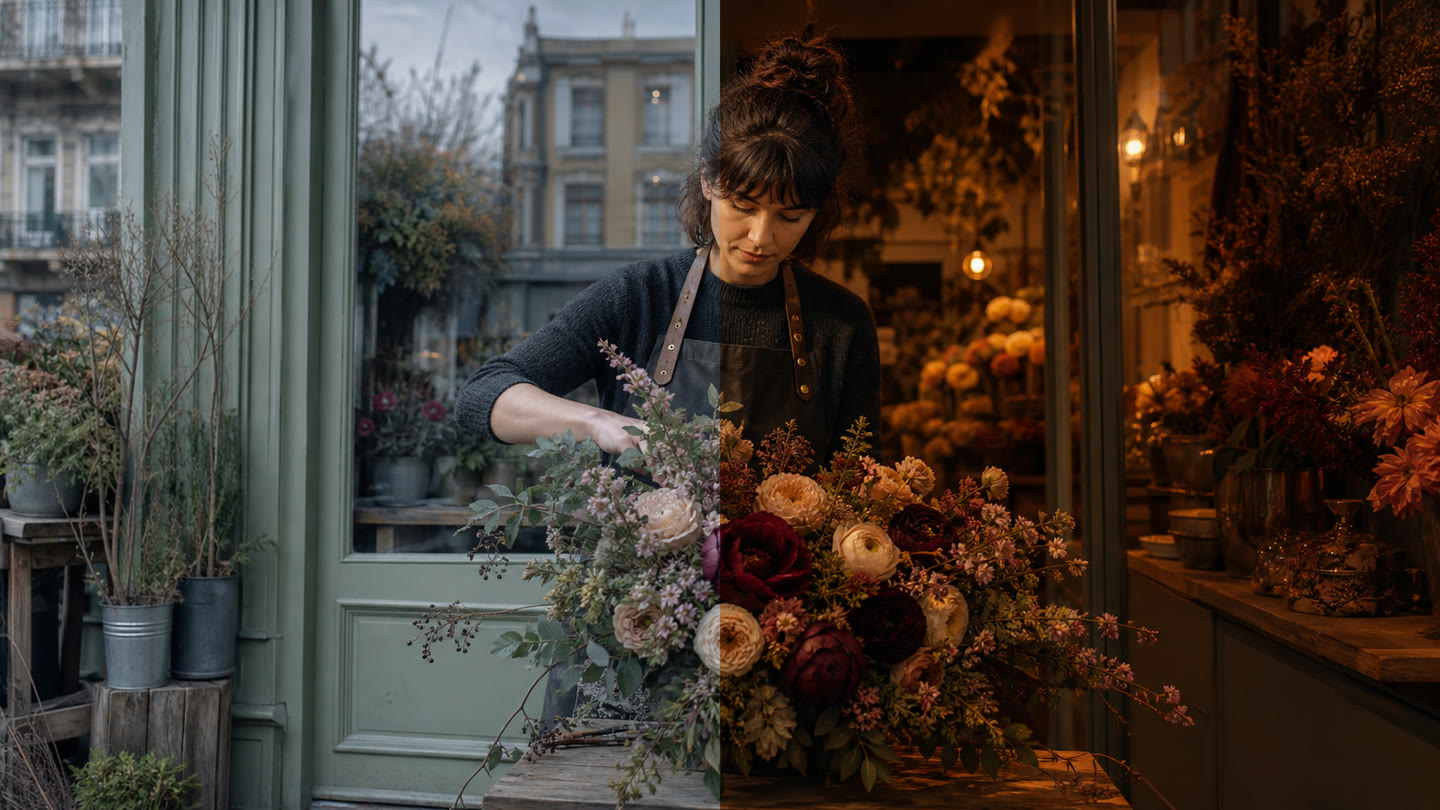
AI photo and video editing
Upload or reuse a source asset, describe the change, and create controlled editing variants without leaving the project.
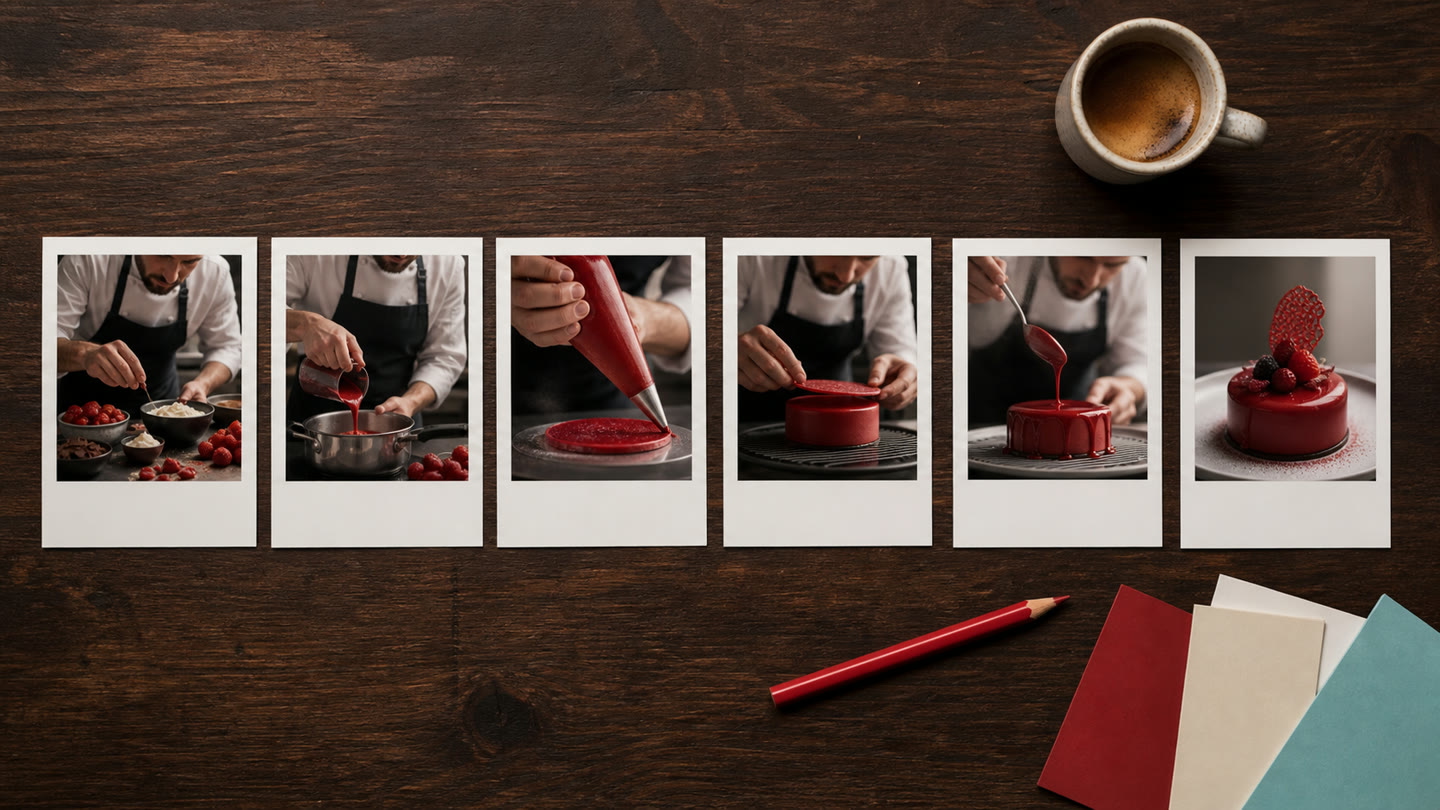
Scene-based video workflow
Build a video from controllable scenes instead of hoping one long prompt produces everything correctly.
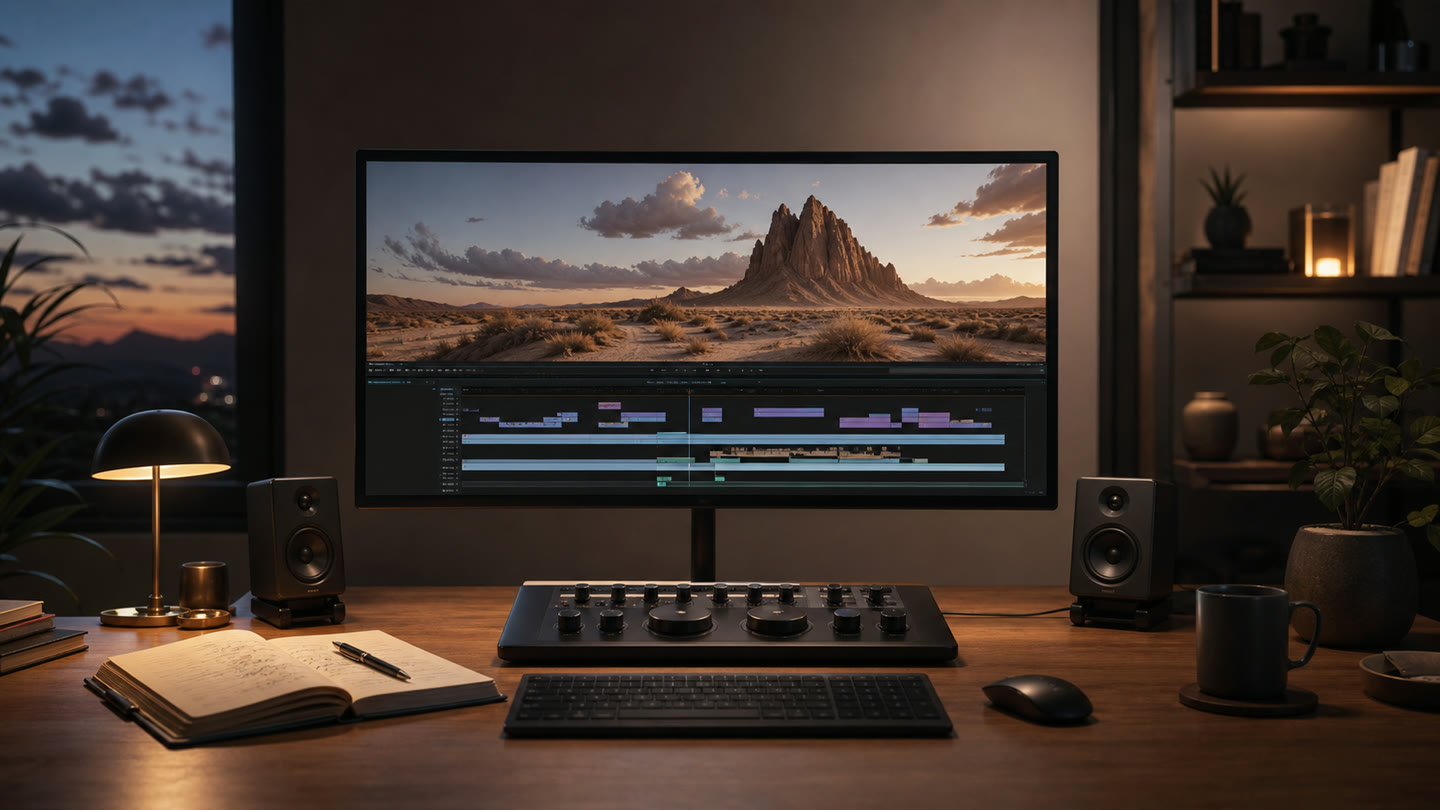
AI video editor: from first scene to finished short
Generate scenes, manage materials, add voiceover and captions, and export a vertical video inside one project instead of stitching five tools together.

Favorites and references
Add strong images and videos to Favorites, then bring them back as references so characters, products, and style stay consistent.
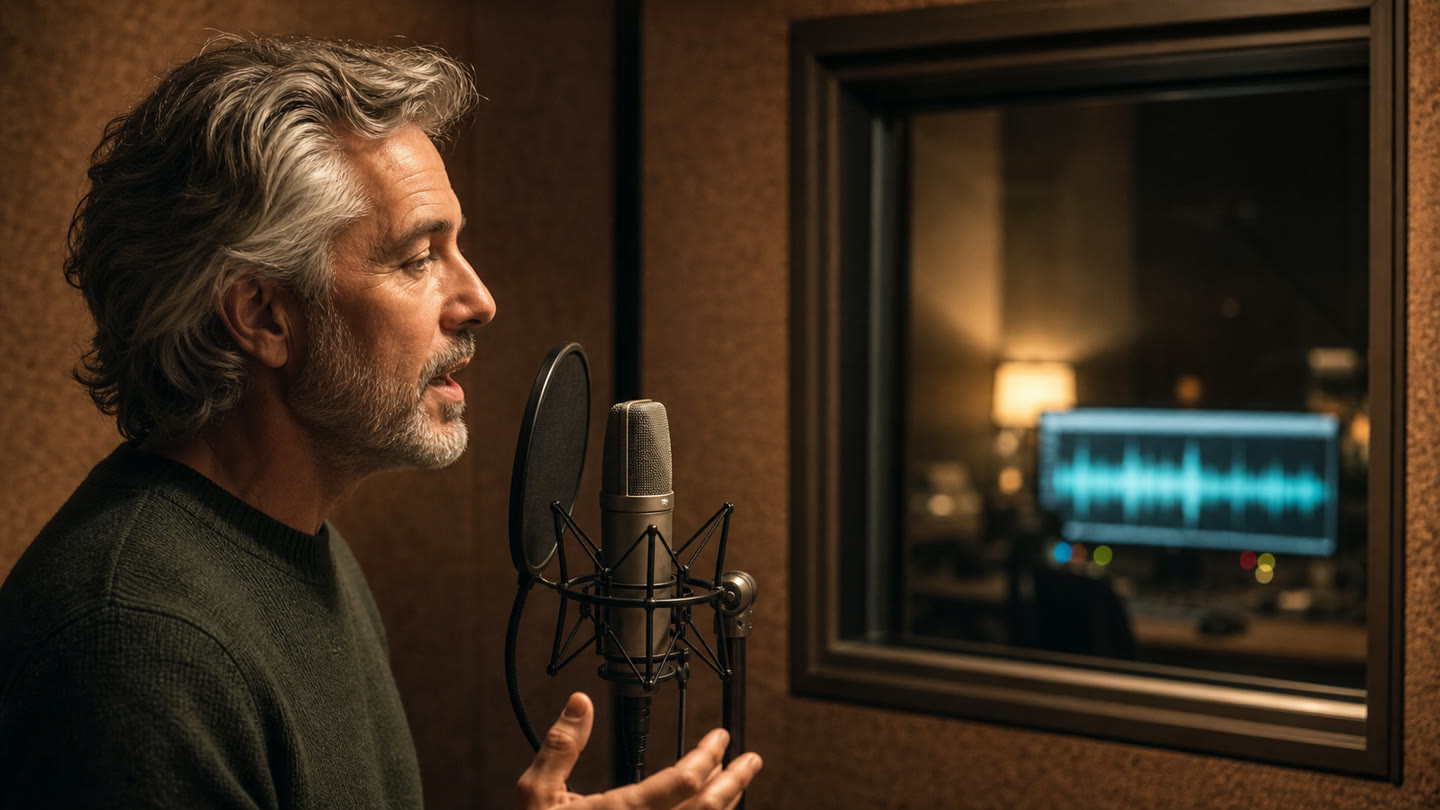
Voiceover and captions
Generate voiceover from text and edit captions on the timeline before export, so a visual draft becomes a video people can understand with or without sound.