May 30, 2026
Avatar Studio: create images, voice, and short videos from one identity
Givon AI now has a dedicated Avatar Studio. Use one avatar identity to generate new frames, voice selected images, and animate them into short videos.
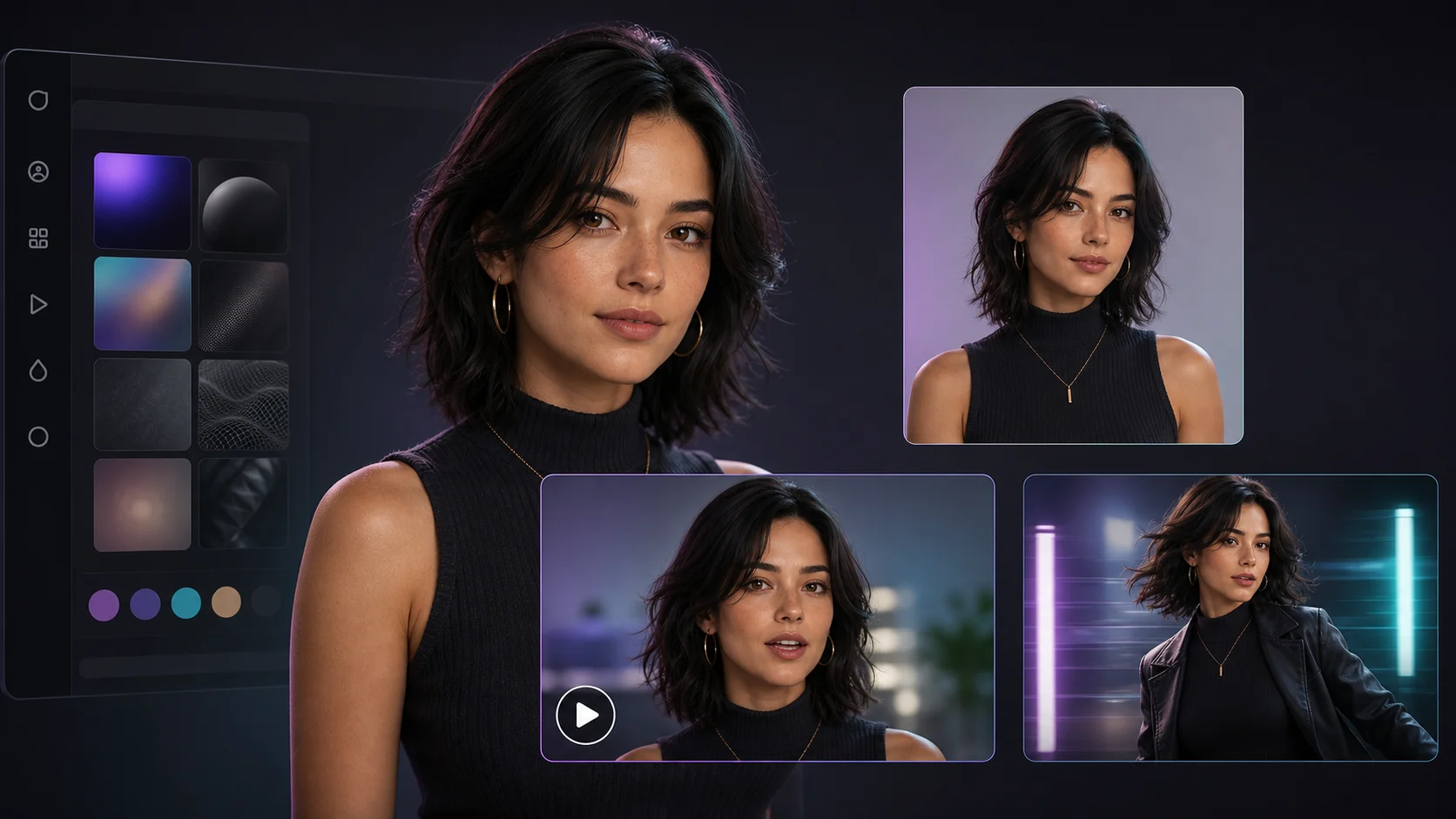
An avatar no longer has to end as one image. In Avatar Studio, one identity becomes the base for a series: create new frames, turn a still image into a short video, or add spoken lines to selected visuals.
Results stay close to the avatar so you can review, rename, archive, download, or move the strongest materials into a project when they are ready for the full editor.
On this page
What changed
New frames
Describe the pose, scene, environment, or framing and generate new images from the same identity.
Voiced clips
Select an image, write a line, and create a short clip where the avatar speaks it.
Image animation
Add motion direction and duration to turn a still avatar frame into a video.
Core idea
What changed
Previously an avatar was often a final image. Avatar Studio turns it into a production surface where you can keep developing the same identity across several assets.
This is useful for recurring creator content, product explainers, announcements, and short scenes where one recognizable character needs multiple outputs.
Actions
What you can create
Create a new image
Set the scene, pose, mood, and background while keeping the avatar identity as the anchor.
Voice a frame
Write a line and generate a short talking clip from the selected image.
Animate an image
Describe the movement and create a short video from a static frame.
Projects
How Avatar Studio connects to projects
Avatar Studio is for preparing materials. Projects are where those materials become full videos, campaigns, and edited sequences.