April 29, 2026
HappyHorse 1.0 in Givon AI: Alibaba video model with native sound
HappyHorse 1.0 is now available in Givon AI. The Alibaba video model is strongest on people in frame: faces, expressions, skin, clothing detail, and short clips with native synchronized sound.
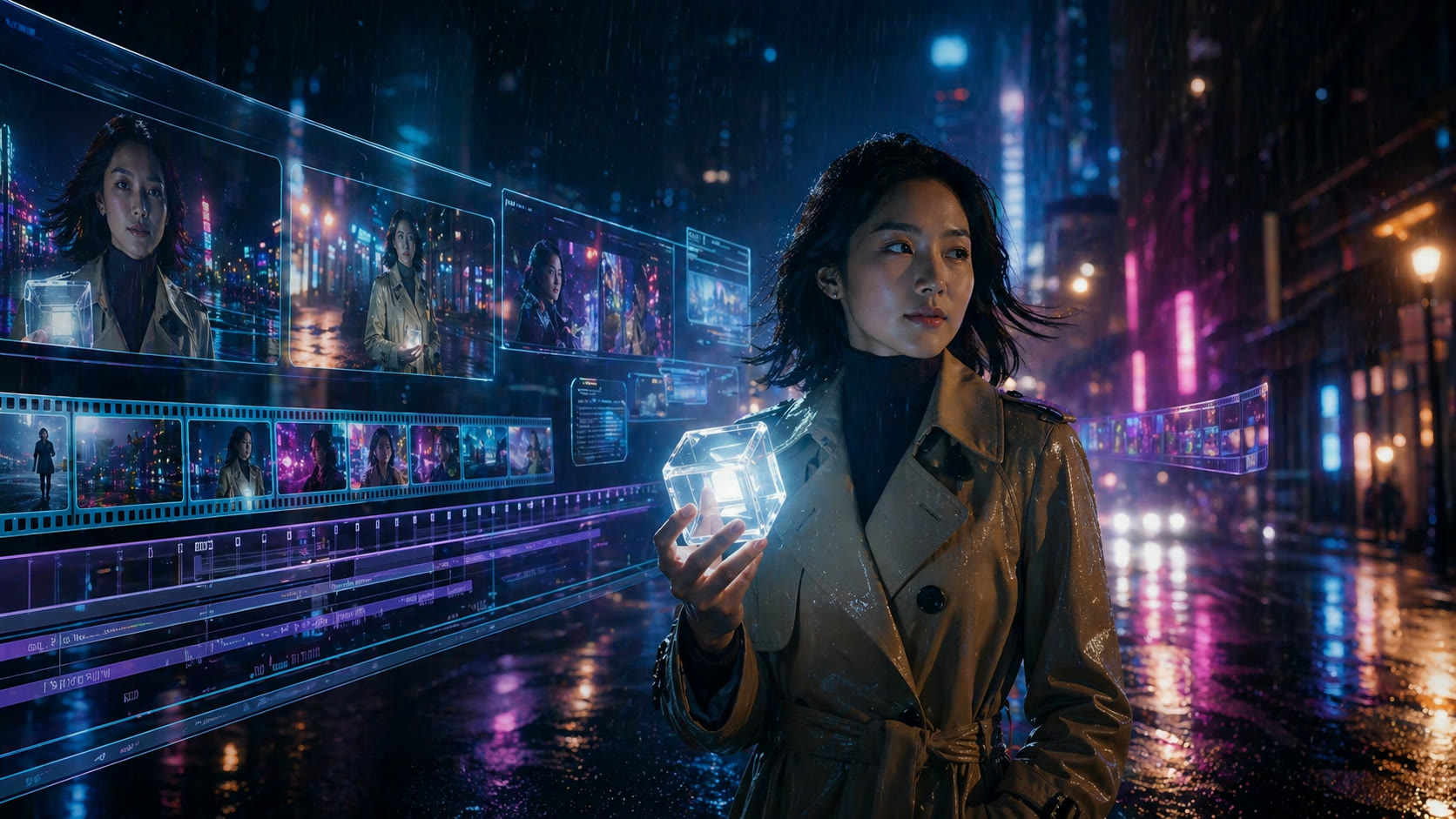
HappyHorse 1.0 is available in Givon AI for short video generation from text, images, references, or source video. It is especially useful when the main subject is a person.
The model tends to hold faces, expressions, skin detail, and clothing more confidently than many broad video models. It also generates native synchronized sound with each clip.
Try it for portraits, lifestyle scenes, avatar-style videos, creator ads, and clips where the person in frame is more important than a purely atmospheric environment.
On this page
What changed
Text-to-video
Describe the subject, action, camera movement, lighting, and mood.
Image-to-video
Upload an image and turn it into a short clip while keeping composition and subject direction.
Up to 9 references
Use references for the character, place, objects, or overall scene aesthetic.
Native sound
Generate ambient sound, steps, rain, city noise, or other synchronized audio with the video.
Capabilities
What HappyHorse can do
HappyHorse supports several starting points: a text prompt, an image, visual references, or source video. That makes it useful both for first drafts and for expanding an existing visual direction.
Its clearest strength is human-centered video. Use it when face consistency, expression, clothing, and skin detail affect whether the clip feels believable.
Use cases
Where to use it first
Portrait and lifestyle clips
A good fit when the person is the center of attention.
Creator ads
Useful for short social videos that need a natural human subject.
Reference-driven scenes
Add references when the character, outfit, location, or mood needs to stay close to a direction.
FAQ
HappyHorse questions
- Does HappyHorse include audio?
- Yes. HappyHorse generates native synchronized sound with the video.
- When should I choose another model?
- Use another model when you need a different duration, tighter frame control, or a scene where a person is not the main subject.