A single ad image is not enough: a listing needs several angles, a feed needs a vertical video, and testing a creative needs several variants. A shoot for each task costs a budget, and AI covers the draft stage faster.
The short answer: upload a product photo to a card, build a series of shots in one style, animate the best ones into short videos, add a character with the product if you need one and assemble everything into a vertical video. This guide covers the whole set, not only photos.
AI does not replace checking: after generation, compare the shape of the packaging, the color and the inscriptions on the product with the original.
What you need
- 1 to 4 product photos: the sharper they are, the more accurate the shape and color in the shots.
- An idea of where the creative will live: a marketplace listing, the feed, stories or a banner.
- Three or four facts about the product that you can show. It is best to write down in advance everything you must not promise.
Step by step
- 1
Create a product card
In the Products section of Studio, upload 1 to 4 photos and click Create: the fields fill in from the photos. Check the description, the benefits and what you must not promise. More in the Product Studio overview.
- 2
Build a series of shots
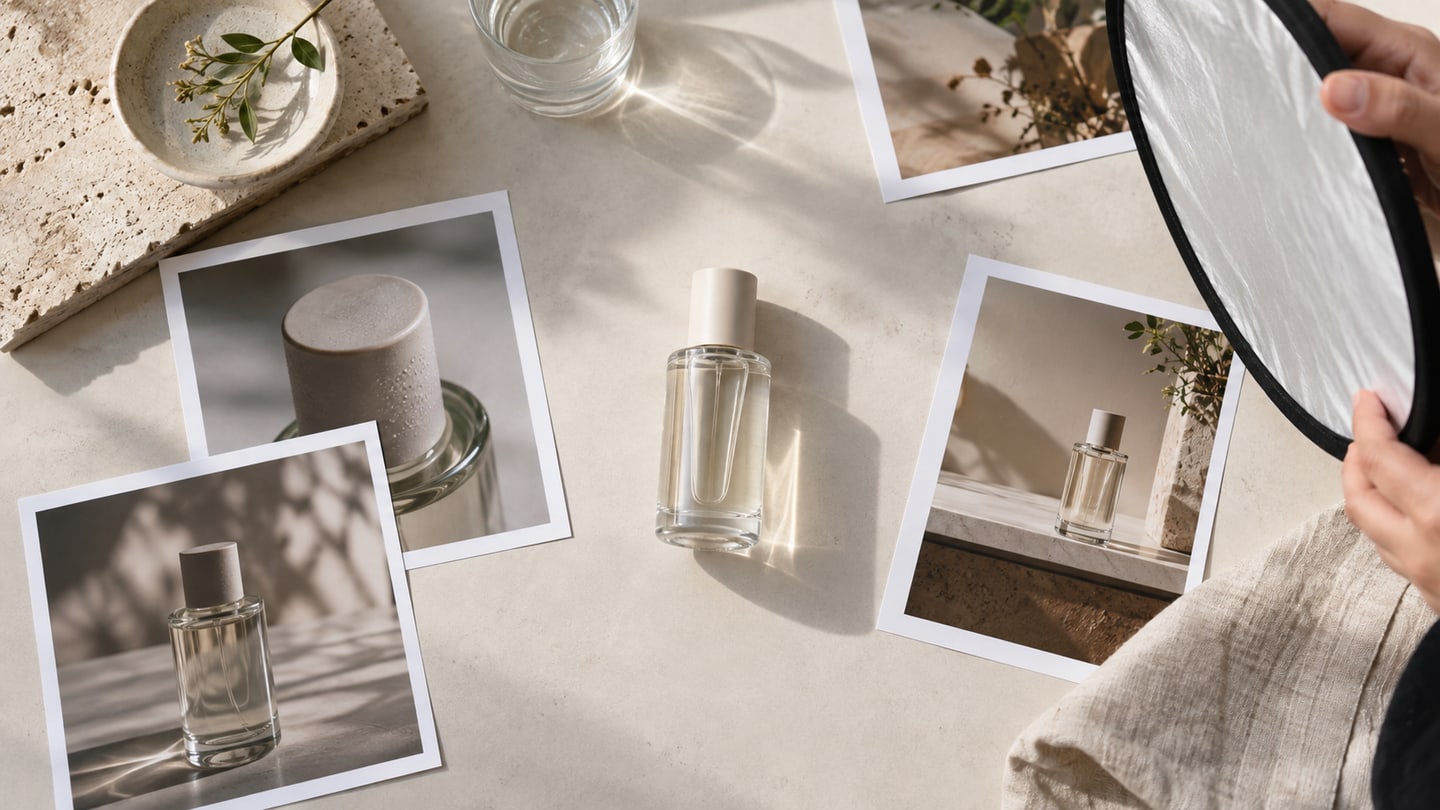
In Photoshoot mode, describe the environment and the light, then click Create series: you get 2 to 4 shots in a shared style, for example a main shot, another angle, a detail and the product in an environment.
- 3
Animate the best shots
In Animation mode, pick a shot, describe the movement of the product, the camera or the light, and choose a model and a duration. Short clips of 5–8 seconds with one movement work best.
- 4
Add a person if you need one
For videos with a face, create an avatar in Studio, give it a voice from the library and connect the product as a reference: the character holds the product or talks about it.
- 5
Assemble the video and prepare the formats
Place the shots and videos on the timeline in the editor, add a voiceover and captions and export in the format you need: 9:16, 1:1 or 4:5.
- 6
Check against the original
Check the shape, the color and the inscriptions of the product, and legibility. Regenerate anything the model changed, or fix it in the AI editor.
Photos: a series instead of one shot
The product photos become references for all the shots, so the shape and color hold from shot to shot. The series runs as separate generations: any shot can be repeated or refined without touching the rest.
Video for ads: animate the product photo
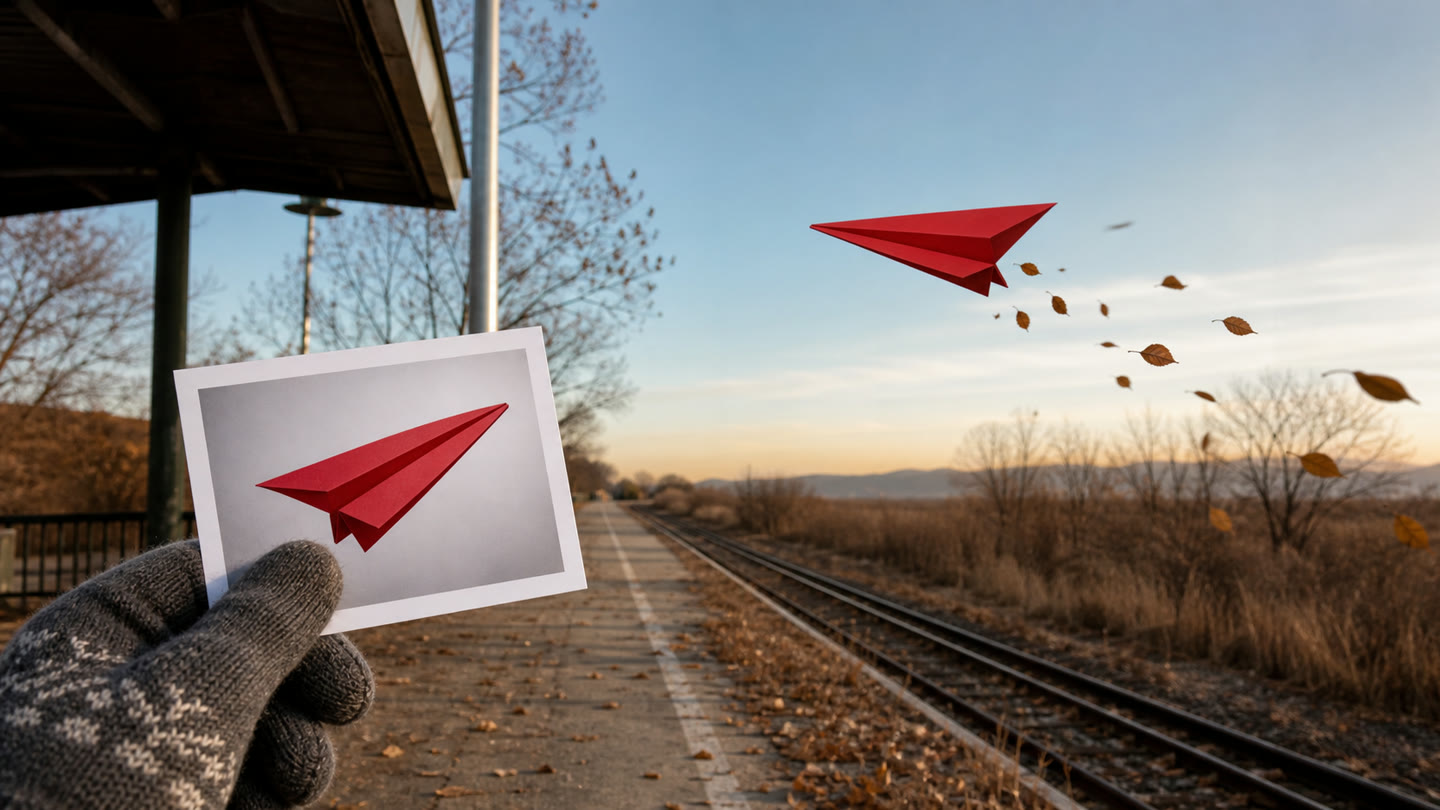
Animating a photo for an ad is easier than generating a scene from scratch: the product is already in the frame, and the model adds the movement. Describe what should move: the camera, the light, water, fabric or the product itself.
One video, one movement. If you want to show three actions, make three videos and join them on the timeline.
Weak
Make a nice ad video from this sneaker photo.
Better
The camera slowly pushes in on the sneaker on a light concrete podium, soft highlights play across the surface, light dust drifts in a beam of light, the background stays still, 5 seconds.
Describe the movement, not the product itself: the model takes the shape and color from the photo.
- Veo 3.1Cinematic shots with sound, a video of exactly 8 seconds. An expensive model: save it for the final shots.from14 tk/ s
- Seedance 2.5Scenes up to 30 seconds from text, frames and references: enough for a whole video.from7.5 tk/ s
- Kling 3.0Up to 15 seconds and a look that holds between scenes: handy if the video has several shots with one hero.from3 tk/ s
How to choose a model for the task is described in the video model guide. Step by step from a photo is in the image-to-video guide.
A person in the frame: an avatar with the product
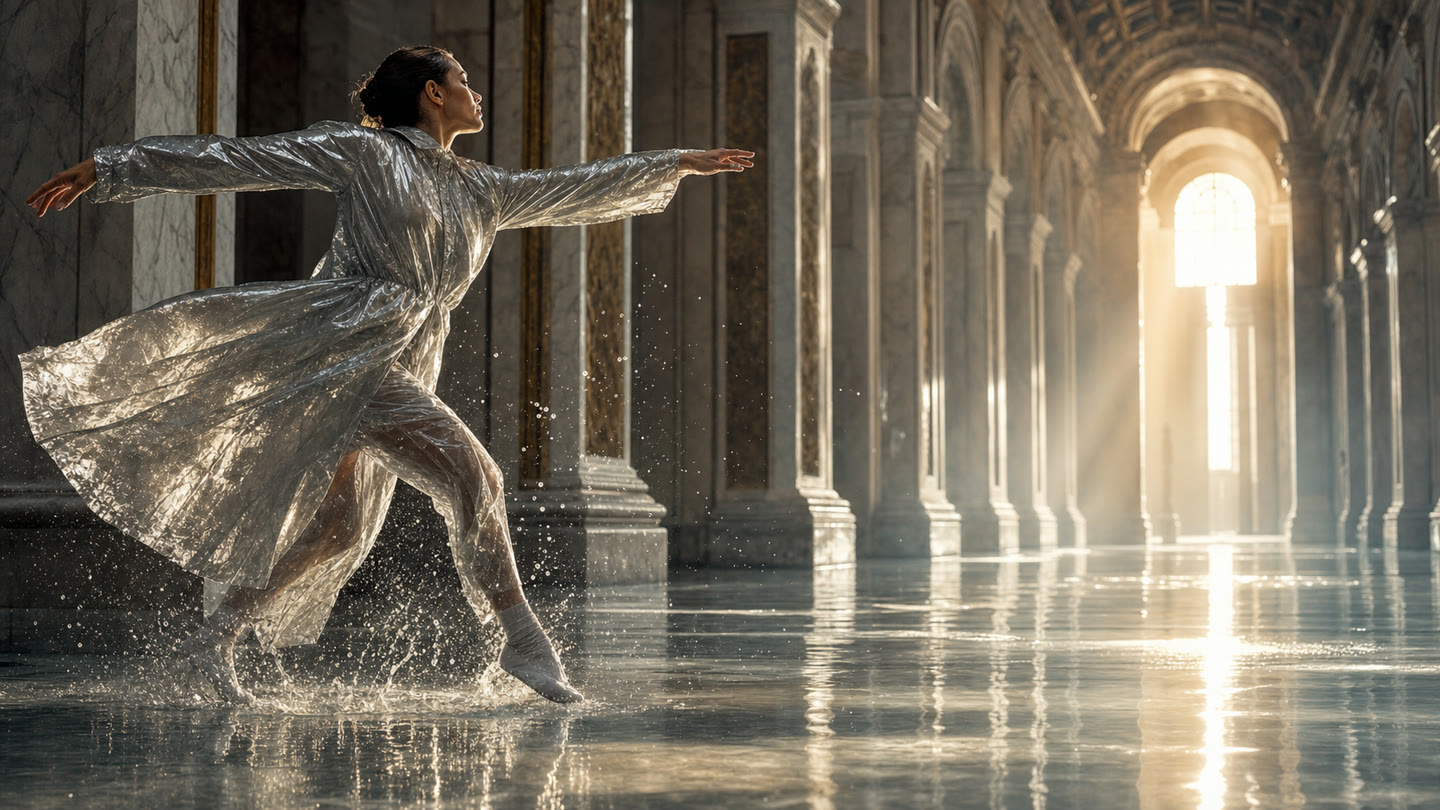
Videos where a person holds the product or talks about it are built from an avatar. An avatar is created in Studio from a description, gets a voice from the voiceover library and then works as a reference: the product is added to the photoshoot with the same set of photos.
To make the avatar speak, use a lip-sync model: a photo plus a voiceover turns into a talking video. Sync Lipsync v3 works up to 5 minutes, H3 Max Lip Sync is for short lines up to 14.8 seconds, and HeyGen Avatar IV picks facial expressions and gestures from the tone of the voice and makes a video up to 60 seconds.
Formats and marketplaces
Feed and stories: 9:16
A vertical video of 5–15 seconds: a hook, the product shown, a call to action. Captions help people who watch without sound.
Square and 4:5
For posts and feed ads. The same material can be fitted to another format in the editor without regenerating.
Marketplace listing
A series of shots with the product on a clean background and in a story setting. Each platform has its own rules for photos and video, so check them before uploading.
Several variants
Make 3–4 creatives with different hooks and compare which works best. AI gives you more takes than a shoot does.
FAQ
Can I use these creatives in ads?
Yes, generated materials can be used commercially if you hold the rights to the source photos and the scenario does not break the rules of the models and platforms. The terms are described in the service terms.
Can I animate a photo for an ad?
Yes. Upload a product photo, describe the movement and choose a video model: you get a short video. The cost of the generation is shown before you run it.
Will the model reproduce the inscriptions on the packaging exactly?
Not always. After every generation, compare the shape, the color and the inscriptions of the product with the original, and it is better to add the headline and the logo separately in layout.
How much does it cost to try?
You do not need a card to sign up: 30 tokens arrive on your balance. The cost of each generation depends on the model and the settings and is shown before you run it.