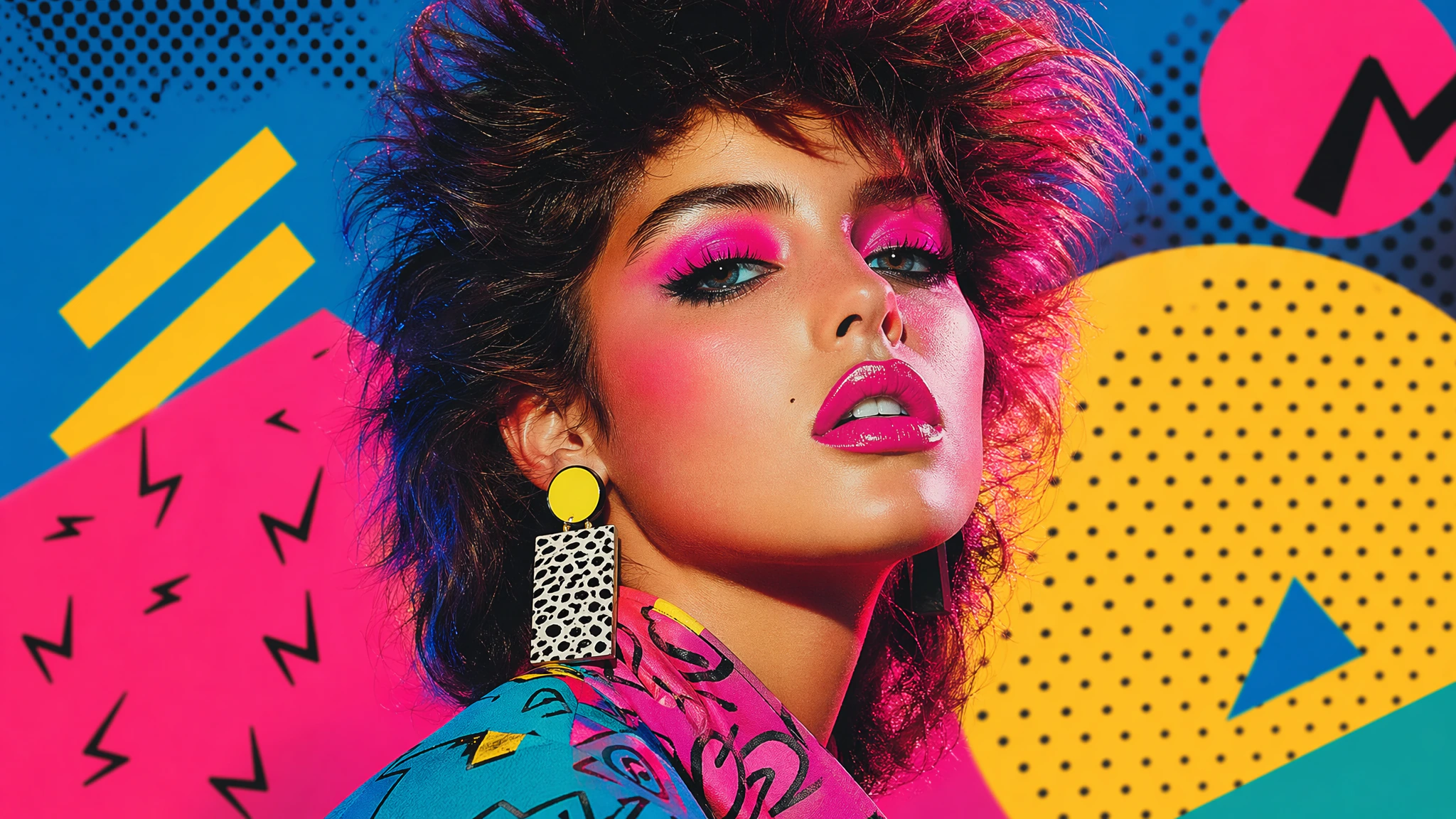
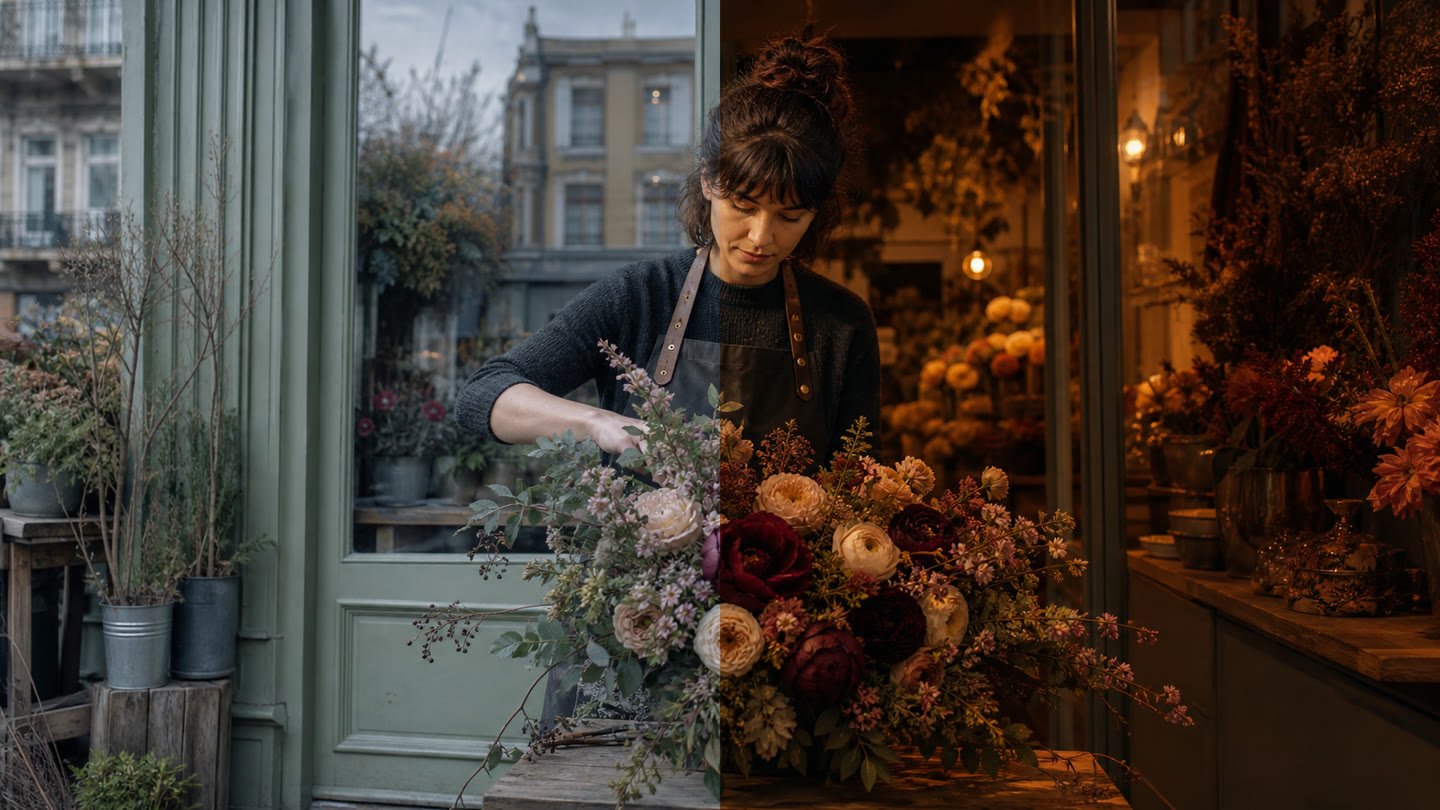
Givon has two GPT Image 2.6 models. Flare suits quick drafts and posters; Sunburst suits complex scenes and edits to a finished frame.
We built a poster, a product card, a menu with English text and a GIF animation. The prompts sit next to the examples so you can repeat them.
Flare is about twice as fast
Flare built the same poster in 11.2 seconds instead of 28.9, and the mug scene in 12.7 instead of 23.3. You can go through several variants faster and keep the best one.
| Task | Version 2.5 | Version 2.6 |
|---|---|---|
| Flare, low quality, 1K | 11.5 s | 7.7 s |
| Flare, high quality, mug | 23.3 s | 12.7 s |
| Flare, high quality, poster | 28.9 s | 11.2 s |
| Flare, high quality, product card | 31.8 s | 12.0 s |
| Sunburst, high quality, mug | 34.7 s | 46.1 s |
| Sunburst, image edit | 41.2 s | 48.6 s |
Choose Sunburst when scene accuracy matters more. In the map example below it counted every island correctly.
One prompt, four results
We took the mug prompt from our GPT Image 2.5 article and ran it on all four models. All of them got the contents right: three orange wedges, one sage leaf, an amber arch. Here and below, the examples were generated through the provider, fal, with settings that exist in Givon: high quality, and frame planning High in 2.6.
Advertising product photo of a matte cobalt-blue insulated mug on a pale travertine table. The mug stands right of centre at a three-quarter angle, with the handle fully visible. On the left lie three wedges of red orange and one sage leaf. In the background, a soft arch of translucent amber glass. Morning side light from the left, natural soft shadows, realistic reflections, visible texture of metal and stone. Premium magazine-ad composition with enough free space in the upper left. No people, logos, text, extra objects or deformed details.
We ran the original Russian-language prompt. The text below is its translation.
2.5 Flare gave a familiar mug with a steel rim, while 2.6 Flare gave a single solid object with a closed lid that looks more like a jar. In both versions Sunburst drew a believable mug with a clear lid and a steel rim. In this scene the difference between generations is smaller than the difference between Flare and Sunburst.
Flare 2.6 sets poster text larger
On the poster, Flare 2.6 made the headline, the date and the bottom columns larger, and the lantern too. In the product card you can compare how the versions hold the grid and spacing.
Poster for a city film festival. One red paper lantern hangs above dark water, its reflection trembling in the water, everything else in deep blue-black. Strict Latin typography, an even modern grotesque sans-serif. In the top third, a white headline in exactly two lines: "NIGHT" and "SCREEN". Below the lantern, centred, a smaller line: "OCTOBER 14–18". In the lower part, three columns of small text of equal width: "OCTOBER CINEMA", "40 FILMS", "FREE ENTRY". All words exact, with no letter substitutions or hyphenation. No other text, logos or watermarks. A clear modular grid, even margins, the headline does not overlap the lantern.
Both versions spelled every word exactly. In 2.5 the type is smaller and the three bottom columns spread out to the edges; in 2.6 they are larger and closer together.
Vertical marketplace product card. A matte sage-green tin of green tea with a cream label; the label reads "QUIET HOUR". The tin stands on the left on a light linen background with a soft shadow, a few tea leaves beside it. On the right, a column of three identical blocks, each with a simple thin line icon and a short text: "100 g", "2026 harvest", "Brew at 80 °C". At the top, a full-width headline: "GREEN TEA". At the bottom, a terracotta bar with the text: "30 cups per tin". All text is in English, exact, with no extra words or letter substitutions. Aligned grid, equal spacing, nothing cropped.
Every line on both cards is spelled correctly. 2.6 picked more fitting icons (scales, a leaf, a thermometer, where 2.5 used a leaf twice and a teapot) and added a leaf illustration to the label, but set "100 g" larger than the other two blocks. 2.5 keeps the blocks and spacing equal. If your marketplace has margin requirements, check the edges before uploading.
Sunburst drew exactly five islands
We tested discipline on a scene with exact counts: seven compasses, a map with five islands, three pens, four books, a pair of pince-nez and a cup.
Top-down view of a cartographer's wooden desk in morning light. On the desk, exactly: seven brass compasses in one straight row at the top; an unrolled paper map of a fictional archipelago in the centre with exactly five islands on it; on the right three pens parallel to each other; on the left a stack of four leather-bound books of different colours; in the bottom left corner one pair of pince-nez; next to the map one cup of coffee with a window reflected in it. No other objects or text. Photorealism, detailed textures of brass, paper, leather and wood.
We ran the original Russian-language prompt. The text below is its translation.
Sunburst got everything right: exactly five islands on the map. Flare counted the compasses, pens and books correctly but added several small islands to the five. A fourfold difference in time is worth it here if the count really matters. Both models drew pens with real feathers instead of ordinary pens: our Russian prompt said «перьевые ручки», which literally means "feathered pens" (the Russian name for fountain pens), and they took it literally.
The face and the inscription survived three edits
On one source frame we asked both Sunburst versions to change the background, recolour the blazer and add a strap. After three edits both kept the face, freckles, earrings and the "VEGA" inscription.
Realistic advertising photograph. A woman in her thirties with a short copper-red haircut and freckles, wearing a mustard corduroy blazer, holds a compact retro camera at chest height: teal with a silver top, a round red shutter button and the word "VEGA" engraved on the front plate. She looks straight at the camera with a slight smile. Clean light-grey studio background, soft light from the left. Waist-up shot, sharp details of the face, fabric and camera.
Step 1. Change only the background: place the heroine on a quiet European street in the early morning, with softly blurred houses and a bicycle behind her. Keep unchanged her face, haircut, freckles, blazer, pose, hand position and the camera: its shape, colour, round red shutter button and the "VEGA" inscription. Adjust only the light on the heroine to match the morning street.
Step 2. Change only the blazer: make it dark-blue wool, with the same cut. Leave everything else as it is: face, haircut, freckles, pose, the street in the background, the camera with its red shutter button and the "VEGA" inscription.
Step 3. Add one item: hang a narrow tobacco-coloured leather strap around the heroine's neck, attached to the camera. Change nothing else: face, haircut, freckles, dark-blue blazer, pose, street and the camera itself with its red shutter button and the "VEGA" inscription stay the same.
In 2.6 the strap clearly ends in two metal rings on the camera's lugs. In 2.5 the right attachment looks like a loose chain link, and the left one is hidden by the thumb. Both made the blazer dark blue, but 2.6 kept the corduroy ribbing although we asked for wool; 2.5 gave a smoother cloth.
One more detail: we did not ask for the "VEGA LENS 40mm f/2.8" marking on the lens. The model added it in the source frame, and it stayed through the edits. So check inscriptions on products even where you did not specify them.
A menu with eight priced lines, spelled correctly
A headline and eight priced lines are usually a risky task for an image model.
Photograph of a printed cafe menu on cream paper lying on a table, shot straight from above, all text clearly readable. Headline: "ALLEY CAFE". Below it, two columns of four lines each, the name on the left and the price on the right. Left: "Cappuccino — $3.40", "Flat white — $3.70", "Cinnamon cocoa — $3.60", "Sea buckthorn tea — $4.00". Right: "Pancakes with sour cream — $5.50", "Granola with berries — $5.10", "Truffle omelette — $6.70", "Almond croissant — $4.10". All letters are exact English, add nothing.
In our menu both models spelled every name and price correctly. Flare added a rule under the title and set "Pancakes with sour cream" in visibly compressed type; Sunburst kept the type uniform and gave the columns more room. If you have a lot of text, proofread it before publishing.
GIF animation: up to 16 frames in one request
In Givon both 2.6 models make GIFs: from text or from an existing image, with 2 to 16 frames. The model draws all the frames in one request, and in our examples the character, clothes and light did not change from frame to frame. We only show text-to-GIF here, not the image mode.
A looping animation, realistic photograph. A young woman in her thirties with a short copper-red haircut and freckles, wearing a mustard corduroy jacket, plain light-grey studio background, soft light from the left. She turns her head slightly to the left, then back to the camera, smiles and winks with her right eye, then relaxes to the starting pose. The same person, clothes, lighting and framing in every frame. Smooth, clearly readable motion. The last frame leads seamlessly back to the first. No text.
It is the same woman in all 16 frames: the freckles, earrings, jacket and light stay the same while she turns her head and winks. The jump from the last frame back to the first is as smooth as between neighbouring frames, so the loop does not stutter.
The same approach works for a product: we asked for a sneaker to make a full turn in 16 frames.
A looping animation, product photography. A white leather sneaker with a thin red stripe and a pale beige sole rotates through one full turn on a round pale-grey pedestal, shown from a fixed camera at a slight angle, soft studio light, plain light background. Each frame shows the next rotation angle, evenly spaced, so the 16 frames cover exactly 360 degrees. The same sneaker, lighting and camera in every frame. The last frame leads seamlessly back to the first. No text, no logos.
The shape of the heel, the lacing and the red stripe on the sole match from every angle, and the last frame returns smoothly to the first. The model invented this sneaker entirely. If you animate your own product, compare it with the original for details it does not have.
| Setting | In Givon now |
|---|---|
| Frames | 2 to 16 |
| Frame time | 20 to 2000 ms in 10 ms steps, 200 ms by default |
| Size | 1K only: the frame size is set automatically and gets smaller as the frame count grows |
| Price | The price of one frame × the number of frames. 16 frames at High cost 80 tokens |
| Plan | Plan discounts and unlimited access do not apply to GIFs, they are paid in tokens |
All frames share one pixel budget, which is why our 16 frames came out at 480×480 px. For larger frames, use fewer of them.
What is available in Givon
In Givon you can generate and edit images in 1K, 2K and 4K. At the same settings the price matches 2.5.
| Feature | In Givon now |
|---|---|
| Generation and editing from an image | Yes |
| GIF animation | 2 to 16 frames, 1K only |
| References | Up to 16 images per request |
| Size | 1K, 2K, 4K and 10 aspect ratios |
| Frame planning | Fixed at High |
How to choose
Take 2.6 Flare for drafts, posters and covers. Choose 2.6 Sunburst when the number of objects, the composition or a series of edits to a finished frame matter.
Save the intermediate frames and compare each edit with the previous one: in our tests, both versions changed things we had not asked them to.
Frequently asked questions
How is GPT Image 2.6 different from 2.5?
In our measurement Flare 2.6 built the same poster in 11.2 seconds instead of 28.9 and set the text larger. After three edits, Sunburst 2.6 attached the camera strap more convincingly.
Which should I choose: Flare or Sunburst?
Flare suits fast iteration, posters and covers. Sunburst is slower but handled the scene with exact object counts more precisely.
Does GPT Image 2.6 cost more than 2.5?
At the same settings the price in Givon matches 2.5.
Can GPT Image 2.6 make GIFs?
Yes. In Givon both 2.6 models make GIFs of 2 to 16 frames, from text or from an image, with a frame time of 20 to 2000 ms. GIFs are paid in tokens and are not covered by plan discounts or unlimited access.
Can GPT Image 2.6 render text?
In our examples the poster, the product card and the menu with prices came out without mistakes. We also tested Cyrillic text; the Russian version of this article shows it. OpenAI warns about errors in text, so check every result.
What's new, straight to your inbox