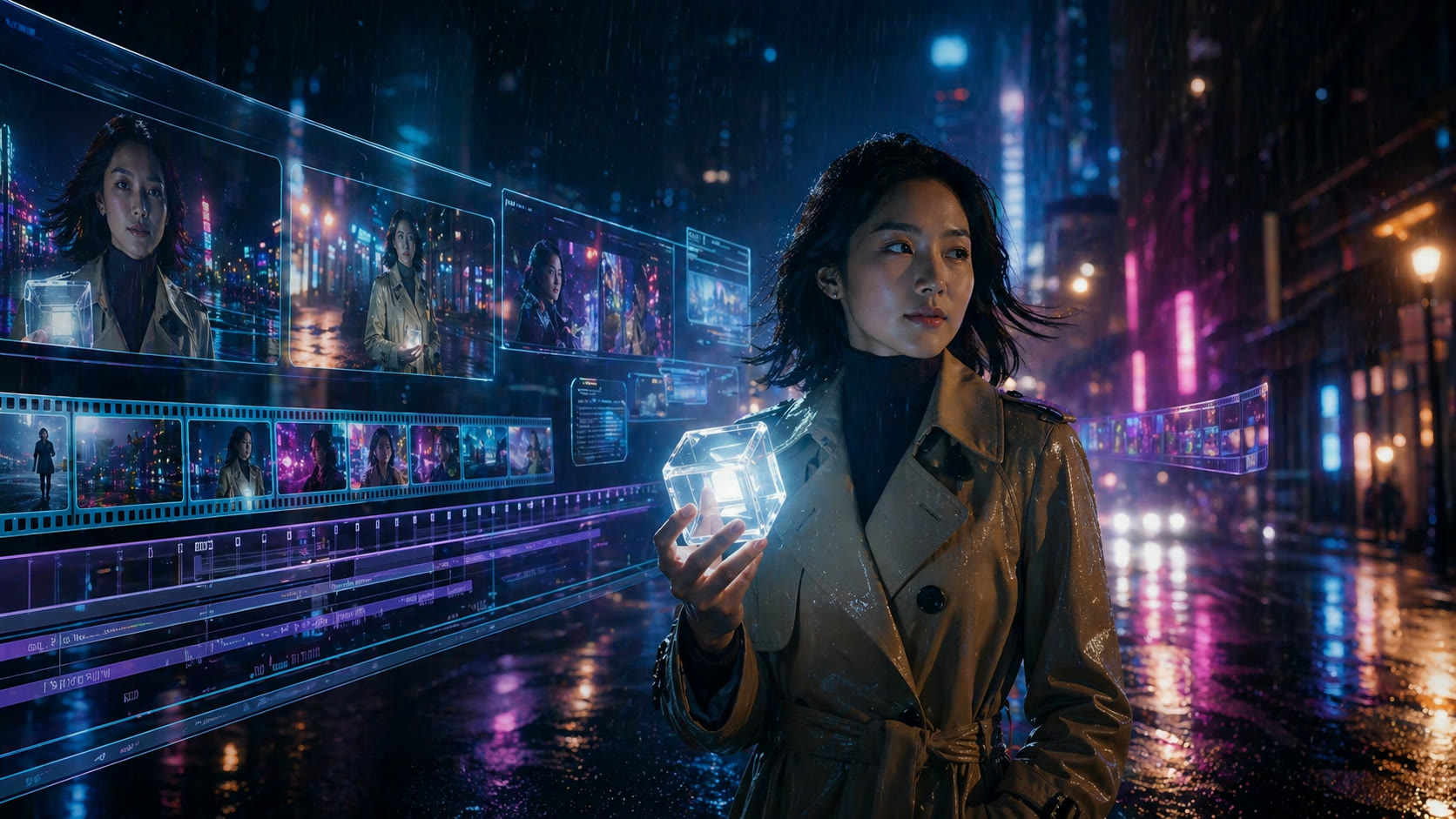
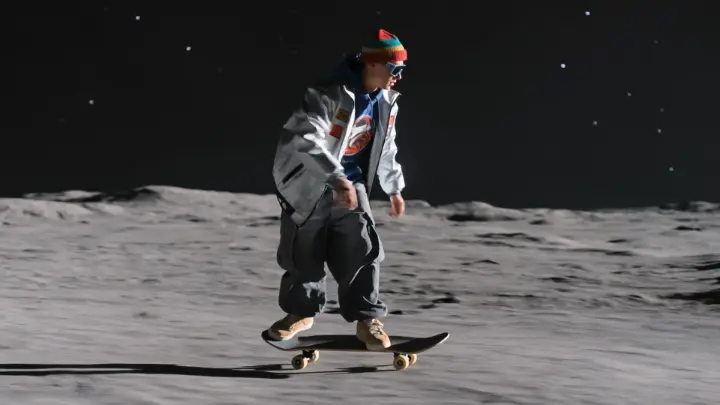
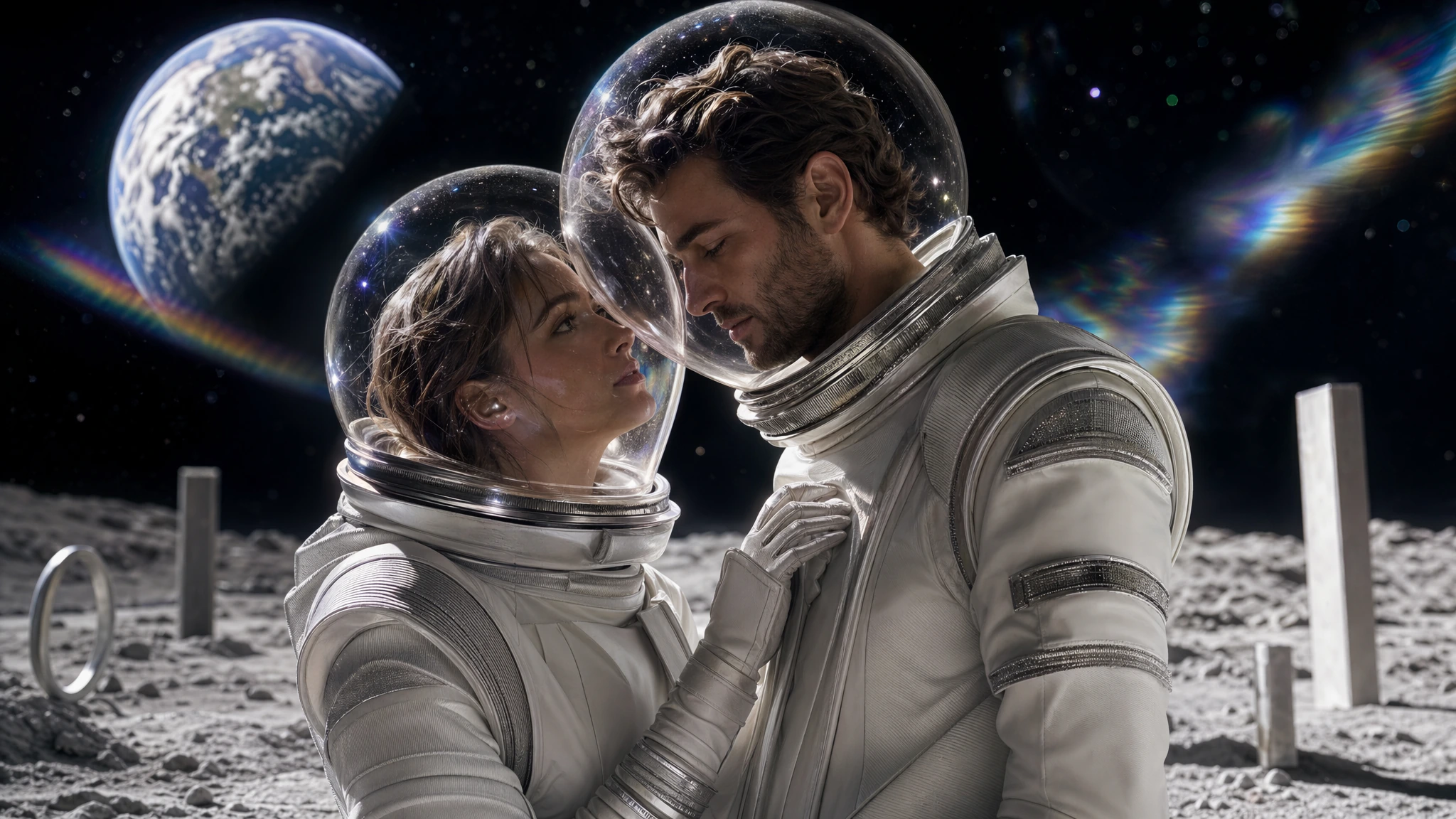
Grok Imagine Video 1.5 is a specialized image-to-video model. Compared with a broader generator, it focuses on animating an existing image with a stronger motion interpretation and native synchronized sound.
The fastest way to understand it is to compare the same starting image across Grok, Seedance, and Kling. Grok often gives the scene a different rhythm, camera feel, and atmosphere, which can be useful when a more expressive interpretation is needed.
How Grok 1.5 differs from Grok Imagine 1.0
Grok Imagine 1.0 is broader and supports longer video. Grok Imagine Video 1.5 is narrower: it is built around image-to-video, with shorter output but a more focused animation workflow.
Use 1.5 when the source image matters and you want the model to interpret it into motion rather than inventing a scene from text alone.
When to compare it with Seedance and Kling
Use Grok for atmosphere
Try it when mood, camera energy, and expressive movement matter.
Use Seedance for stability
Seedance can be a better fit when the source subject must stay more consistent.
Use Kling for frame control
Kling is useful when first and last frames or motion references are more important than interpretation.
Grok Imagine Video questions
Does Grok 1.5 generate from text only?
This release is positioned around image-to-video. Start with an image when you want to test it properly.
Does it include sound?
Yes. The model generates native audio with the video.